Making your Shopify store faster
A slow store costs sales and rankings. Often it is not the server but a heavy theme and apps that slow each other down. I rebuild the store lean, in the background, while the old one keeps selling.
Who it is for
- Stores with many apps that have made the theme slow.
- Stores on an old or overloaded theme that is hard to maintain.
- Stores whose Search Console reports errors and old links.
What I take care of
- Theme. A switch to a lean theme or a targeted clean-up of the current one, whichever brings more.
- Apps. Features that paid apps handle today, built into the theme where possible.
- Product data. Specifications and charts from metafields instead of apps or manual work.
- Search Console. Fix the errors it reports and set up redirects from its data.
- Measuring. Targets agreed up front and checked in a lab test before go-live.
How it works
- 01Intro call. 30 minutes about your store, apps and goals.
- 02Fixed-price quote. After the briefing you get a quote at a fixed price, with the agreed targets.
- 03Built on a preview theme. Your store keeps selling until everything is checked.
- 04Go-live after your written approval. Then I check the redirects and Search Console.
Questions
- Do I need a new theme?
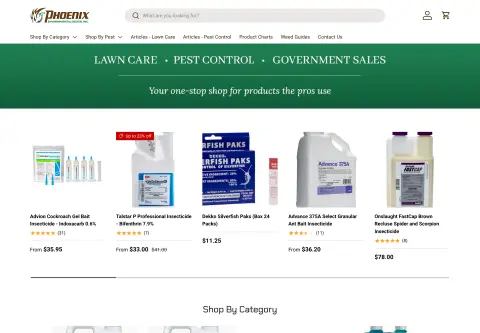
- Not always. Sometimes cleaning up apps and scripts is enough. For Pedchem, switching to a leaner theme with no paid apps was the bigger lever.
- What does 96 against 57 mean?
- It is the performance score in a lab test (Lighthouse) for the new theme against the old one. Google collects real user data only after go-live.
- Does my store keep selling during the work?
- Yes. I build on an unpublished preview theme; it goes live only after your approval.
- Will my SEO suffer?
- On the contrary: I fix the errors from Search Console and set up redirects from its data.