








Building a store23 October 20267 min read
Shopify metafields and metaobjects: maintaining and showing structured product data
Ingredients, dimensions, usage, technical data: as soon as products need more details than title, description and price can carry, the question is where to put them. A long description quickly becomes cluttered and hard to maintain. Shopify offers its own data fields for this. This article explains the terms, the process and the limits, without assuming a technical background.
A note on scope
Everything here comes from the Shopify Help Center, as of October 2026. Menus and features change, so check your admin. I do not name prices for apps or development. Which product details you are legally required to give is not a question for this article; clarify that with your legal adviser. This is only about the technology.
Two terms: metafields and metaobjects
The help groups both under custom data:
- Metafields attach extra details to something that already exists, such as a product, a variant, a collection or a customer. Example: an “Ingredients” field on a product.
- Metaobjects are standalone, reusable entries with several fields that do not have to belong to a product. The help gives Product highlight, FAQ, Event appearance and Influencer profile as examples. One entry can be used from several places.
As a rule of thumb: a detail that belongs to exactly one product is usually a metafield. A block you need in several places, such as an FAQ entry or a staff profile, is more likely a metaobject. That is my classification, not a sentence from the help.
No clean field without a definition
Metafields are created through a definition. The help describes it as a template: it fixes the name and type of the field and can contain validation rules so only fitting values are stored. According to the help you should use Shopify’s standard definitions where possible. For each resource type the help names an upper limit of 256 definitions.
The process has three steps:
- Create the definition: name, type, rules if needed.
- Enter values: per product, variant or other object.
- Connect to the theme: so the value becomes visible in the shop.
The third step is often forgotten. A value that sits in the admin does not show up in the shop by itself.
Showing it in the shop: dynamic sources or Liquid
According to the help there are two ways to display metafields:
- Dynamic sources: in many themes you connect a field of a section to a metafield in the theme editor. Each product then shows its own value. No code.
- Liquid: for anything the section cannot do on its own, such as a table built from several fields, you need Liquid, Shopify’s template language. The help says explicitly that this requires coding experience and points to a Shopify Partner.
For a metafield to be used in the shop, the help also requires that access for the online store (Storefronts access) is on. Metaobjects have more options: entries can be published as web pages, switch between draft and active, and be translated. Metaobjects can be used through Liquid or the Storefront API.
Everyday upkeep: filtering and bulk editing
The real argument for metafields is maintenance. Two functions from the help:
- Filter products in the admin: possible by metafield when the option “Filter on the product list and in the Admin API” is on in the definition and the field type is supported.
- Bulk editing: in the admin under Products, Edit products, Columns, Metafields you can show metafields as columns and edit them for many products at once.
If you import products by CSV, note that variant metafields are not supported there, see Importing products by CSV.
Taking over existing metafields
If you already have metafields, for example from an earlier store or an app, the help requires a cleanup before the definition is used: invalid values have to be fixed first, otherwise validation errors appear. This is worth planning before a migration. For a move from Magento, Shopify’s guide says attributes have to become metafields and the mapping should be settled before the migration, see From Shopware or Magento to Shopify.
What the help does not answer here
The help pages say nothing about how to structure your product data for your business, which fields make sense in your industry or how many fields your customers actually read. They also say nothing about the effect on search engines or load time. These questions depend on your range.
Examples from practice
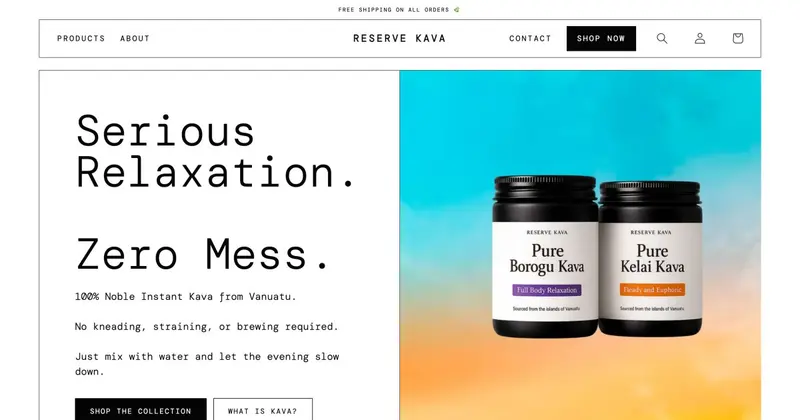
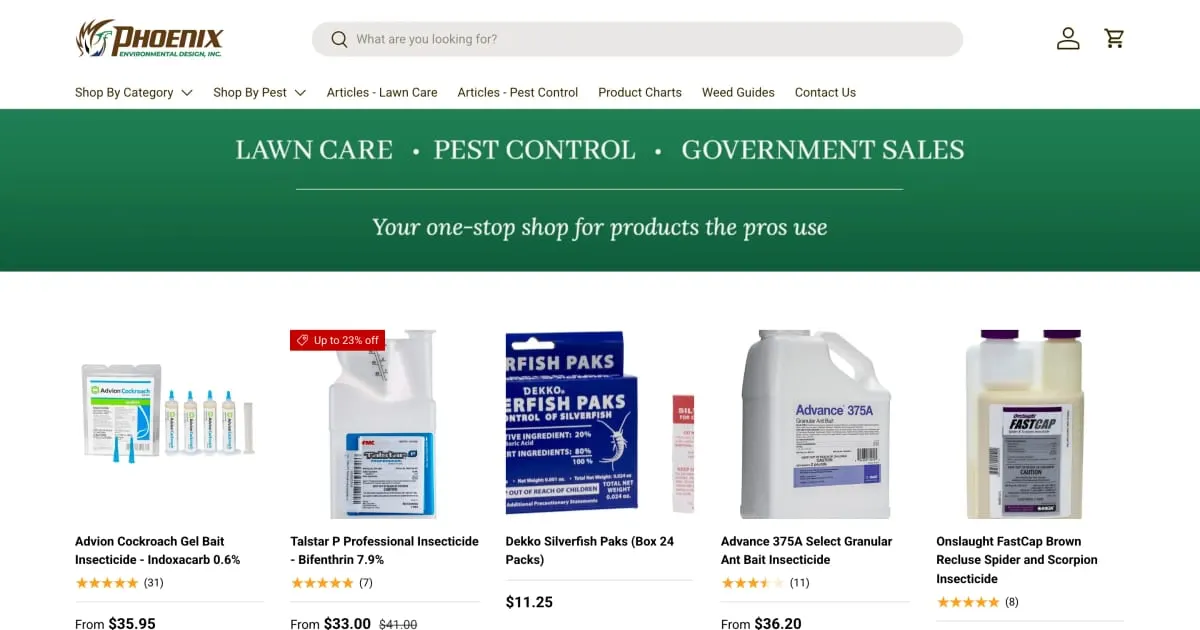
For Pedchem, a pest control store, I moved the product data of 323 products into metafields. Each product page generates a data table from them. At Orska Rituals the accordions Key Ingredients, How To Use and Curated For read their data per product from metafields. The team maintains them in Shopify, without code. Whether this split suits your store depends on your products.
Before you start: a checklist
- What details do your products really have, and which of them should customers see?
- Is there a Shopify standard definition that fits?
- Field type and validation decided (text, number, choice, reference)?
- Who maintains the values, and is bulk editing enough for that?
- Should the field be filterable in the admin? Option set in the definition?
- Is access for the online store on, and is the field connected to the theme?
- Multilingual store: are the values translated? (See also Shopify Markets.)
- Existing metafields checked for invalid values?
When a developer helps
For a few fields with dynamic sources you do not need one. Help is worthwhile when data should appear structured like a table, when many products are carried over from an old system or when metaobjects should serve as pages of their own. How customisations stay clean and maintainable is in Customizing a Shopify theme. In wholesale stores product data also feeds into the range, see Shopify B2B. Fields and templates then belong in the ongoing upkeep, see Shopify maintenance.
Frequently asked questions
Do I need an app for metafields? No. According to the help, metafields and metaobjects are part of Shopify and are managed in the admin under Custom data.
Where do I create metaobjects? The definition under Settings > Custom data, the entries under Content > Metaobjects, according to the help.
Can I display metafields without code? Partly, through dynamic sources in the theme editor. More complex displays need Liquid.
Can I import variant metafields by CSV? Not according to the help. There is the bulk editor for variants.
What does the setup cost? That depends on the scope. I do not name amounts here.
What about your store?
Send me your store’s address for the free store check. I look at what is visible from the outside, such as load time, apps in the source code and how pages are built, and tell you what stands out. I only work with publicly visible data, without access to your account. What else I do for stores is under Services.
Further reading: Creating Shopify bundles · Setting up Shopify product variants · Shopify collections and filters
Kiril Karatitsyn, Shopify developer in Germany