











Building a store23 October 20267 min read
Setting up Shopify pre-orders: pre-order app, checkout limits and what to clarify first
“The product is not here yet, but I want to start selling.” That is the moment merchants ask about pre-orders. Shopify calls it a pre-order and counts it among the purchase options. It does not work without an add-on, and checkout has limits worth knowing before you start. This article shows what the Shopify Help Center says, without assuming a technical background.
A note on scope
Everything here comes from the Shopify Help Center, as of October 2026. Menus, conditions and payment methods change, so check your admin. I do not name prices for apps or development. Which details on delivery time, withdrawal and deposits are legally required, clarify with your lawyer. This is only about the technology and what the help names as a platform rule.
What pre-orders are
According to the help you can sell products that are out of stock or not yet available by setting them up as pre-orders. As benefits the help names estimating demand for a new product and building excitement around a release.
Depending on the options you offer, you can collect the full amount, a partial amount or nothing when the order is placed. The customer’s payment method is stored and you collect the rest later.
Pre-orders are one of three purchase options. The other two are subscriptions and try-before-you-buy. More on subscriptions is in Setting up Shopify subscriptions.
It does not work without an app
The help is clear: for pre-orders you need a pre-order app from the Shopify App Store. Setting the product up as a pre-order happens in that app. In the admin you then see the information on the product page and in the orders list.
If you uninstall the app, the pre-order data created there (excluding customers’ payment information) is deleted after 48 hours. If the app has a backup, you can restore the data later.
The help also says that pre-orders are currently only available to merchants using Shopify Payments or PayPal Express. Check this in your admin before deciding, since conditions like this change.
Requirements and limits
From the help on requirements and restrictions:
- Delivery promise: you need a reasonable basis for saying the product can ship within a certain time. If no date is stated, you must reasonably believe it will ship within 30 days of purchase.
- Delay: if you cannot ship in the promised time, you must give a revised ship date and explain the customer’s right to cancel or get a refund.
- Customised checkout: pre-orders are not supported on stores with a customised checkout (see Customizing the Shopify checkout).
- Accelerated checkouts: pre-orders cannot be bought with Shop Pay, Apple Pay or Google Pay.
- Local payment methods: methods such as Klarna and mollie iDEAL | Wero cannot be used for pre-orders. What that means for the German market is in Shopify payment methods in Germany.
- Sales channels: only the Online Store and Custom Storefront.
- No mixing: you can set up several purchase options on one product, but customers cannot combine them in a single checkout. A subscription product cannot be pre-ordered.
- Discounts: “Buy X get Y” is not supported with pre-orders (for discounts in general: Shopify discount code or automatic discount).
- Shop Promise is not supported.
On top of that, as described in the bundles article: according to the help, bundles are not compatible with purchase options such as pre-orders, see Creating Shopify bundles.
At checkout: deposit and due date
During checkout, pre-order apps show information. If a deposit is collected, the amount due is shown in the order summary and the rest is due later. In the Payment step the customer has to confirm they understand they are buying a product with a purchase option. Without that agreement the purchase cannot be completed.
With several pre-orders in the cart, the help gives fixed rules:
- Specific due dates: the earliest date applies to all products. If a shirt is due June 3 and a book June 7, both are due June 3.
- Due on fulfillment: this term takes priority over specific dates.
- Deposits: they are combined and charged at checkout.
Managing orders
From the help on management:
- Changing the payment method: if a later charge fails, you can send a link to update the card from the customer profile, or replace the card.
- Bank confirmation: the customer’s bank can challenge later charges, and the customer then has to confirm manually. Shopify sends an email with a link for that.
- Holding fulfillment: an unfulfilled order can be put on hold if it is not ready. Then keep customers informed about the status.
- Filtering: in the orders list the “Unfulfilled” and “Unpaid” tabs show open pre-orders.
- Editing: increasing or decreasing quantity, changing discounts, removing a product and adding a one-time purchase are possible. A new pre-order product cannot be added while editing.
- Collecting early: if the goods are ready earlier, you can collect the remaining amount early, by invoice or the stored card. The help warns: announce it clearly, or a chargeback may follow.
- Inventory: depending on the app it is reserved at the time of sale or at fulfillment. If the app offers no choice, ask the app developer.
- Cancelling and refunding: a partially paid, unfulfilled order can be cancelled. Once fulfilled, only a full or partial refund is possible. After a refund you may also need to cancel the order in the pre-order app.
What the help does not answer here
The help pages say nothing about which pre-order app suits your store, how high a deposit should be or whether pre-orders actually raise demand with your customers. They also say nothing about how delivery time, withdrawal and deposits must be stated correctly under the law. Clarify that with your lawyer; background on legal texts is in Store policies and legal texts. And what the implementation costs depends on the scope.
Examples from practice
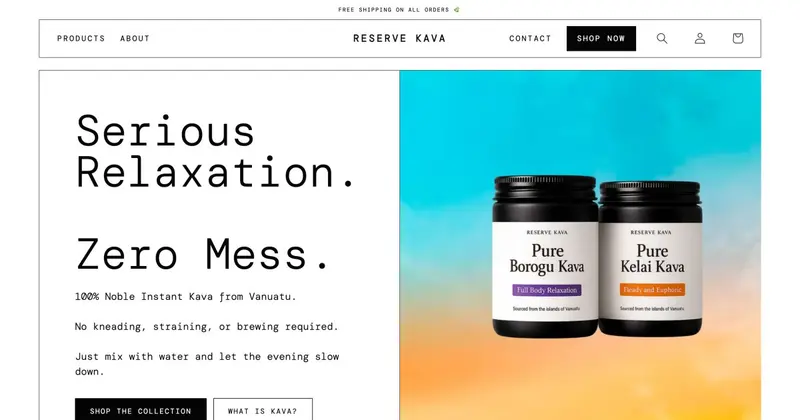
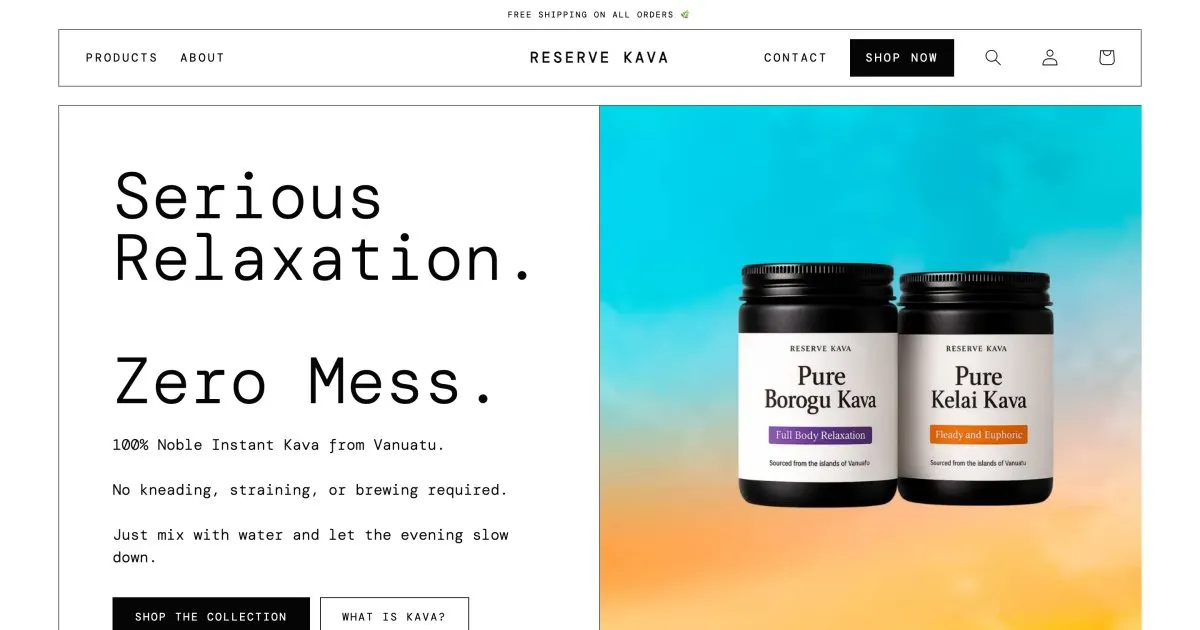
I have no published project case with pre-orders. Closely related is the question of which purchase options fit together on a product page. For Reserve Kava, an instant kava brand, I added a bundle that puts both cans into the cart while rebuilding the product pages, alongside single and multiple cans with a subscription. That shows why the limits above matter before the start: which purchase options should come together has to be clear before building.
Before you start: a checklist
- Do you use Shopify Payments or PayPal Express? According to the help that is the requirement.
- Does your shop have a customised checkout? Then pre-orders are not possible according to the help.
- Should customers pay with Klarna, Shop Pay, Apple Pay or Google Pay? According to the help that does not work for pre-orders.
- Do you have a reliable delivery date, and what happens if it slips?
- Full amount, deposit or payment later?
- When is inventory reserved, at the sale or at fulfillment?
- Should a subscription or bundle also be offered on the same product? According to the help that cannot be mixed.
- Checked with a test order, including the later payment and a cancellation?
When a developer helps
You can install and configure the pre-order app yourself. Help is worthwhile when the checkout first has to move off checkout.liquid so pre-orders become possible at all, when product page, purchase options and delivery-time notes should fit together cleanly, or when payment methods and markets need rethinking (see Shopify Markets). How customisations stay clean and maintainable is in Customizing a Shopify theme. After that the setup belongs in the ongoing upkeep, see Shopify maintenance.
Frequently asked questions
Do I need an app for pre-orders? Yes. According to the help you have to install a pre-order app from the App Store and set the product up there.
Can a customer pre-order with Klarna or Shop Pay? Not according to the help: Shop Pay, Apple Pay, Google Pay and local payment methods such as Klarna cannot be used for pre-orders.
Does the full amount have to be paid right away? Not necessarily. Depending on the option, the full amount, a partial amount or nothing can be collected. The rest is due later.
What applies if I cannot deliver on time? The help requires a revised ship date and a note on the right to cancel or get a refund. Legal details are for your lawyer.
What does the setup cost? That depends on the scope. I do not name amounts here.
What about your store?
Send me your store’s address for the free store check. I look at what is visible from the outside, such as load time, apps in the source code and how pages are built, and tell you what stands out. I only work with publicly visible data, without access to your account. What else I do for stores is under Services.
Further reading: Setting up Shopify subscriptions · Creating Shopify bundles · Shopify payment methods in Germany · Customizing Shopify email notifications · Managing inventory in Shopify · Shopify try before you buy
Kiril Karatitsyn, Shopify developer in Germany